A desktop workbench, an independent helper, a free device decoder, and Byte on Android. Each has its own place in the DigitalEnigma family.
DESKTOP WORKBENCH01
CyberKing.
Keep your tools close. Keep your findings together.
Terminals, helper workflows, layered decoding, and organized findings in one desktop workspace—with a character that collects XP from new data.
Decode supported encodings
Organize notes and assessment evidence
Import text, HTML, and JSON findings
Export an analyst report
Linux x86_64 / Windows WSL2 · 1.0.0-preview.4
ACTUAL CYBERKING INTERFACESynthetic sample session
CYBERKING GUI / MODS
Your programs. One workspace.
Mods are the local programs you register in CyberKing’s GUI. Run your own compatible scripts, respond to their prompts, and keep their output close to your notes and findings.
Python Direct .py Mod
Bash Direct .sh Mod
Perl Wrapper or terminal
Ruby Wrapper or terminal
Java Wrapper or terminal
Python and Bash launch directly from Mods. Other languages use a Bash wrapper or the GUI terminal with the matching runtime installed. Program dependencies are separate.
An independent helper program for your learning and defense workspace. Use VioletLight on its own or keep it alongside CyberKing.
Product & release notes+
VioletLight runs independently of CyberKing. Detailed features, dependencies, and compatibility will be added after the current release package is verified.
A closer look at the DigitalEnigma family. Release details will follow.
FREE DEVICE APP03
BusterMan Decoder.
A standalone decoder for Flipper, with Hex, Base64, Brainfuck, and ROT13 modes.
Compatibility & release notes+
The current package targets Momentum mntm012, Flipper f7, API 87.1. The owner confirms the .fap works on the device; app-store acceptance is still pending. It runs independently of CyberKing.
Meet the programs and explore a contained learning demo. Product availability will be announced separately.
BYTE / ANDROID COMPANION
A little companion. A curious routine.
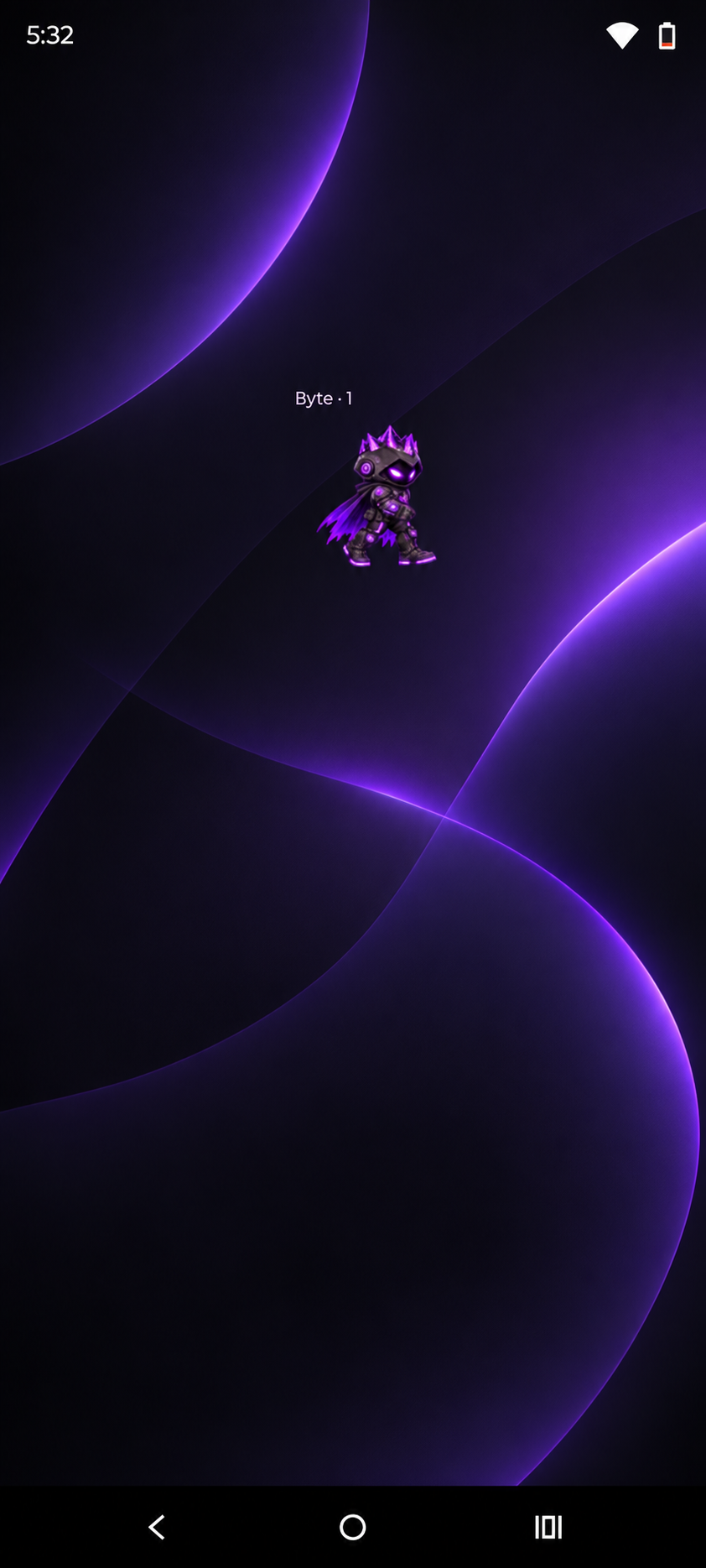
Byte walks on your screen and keeps a decoder a tap away. Here’s the flow from the Android app, using a harmless sample.
01
Tap Byte.
One tap opens the decoder from the floating companion.
02
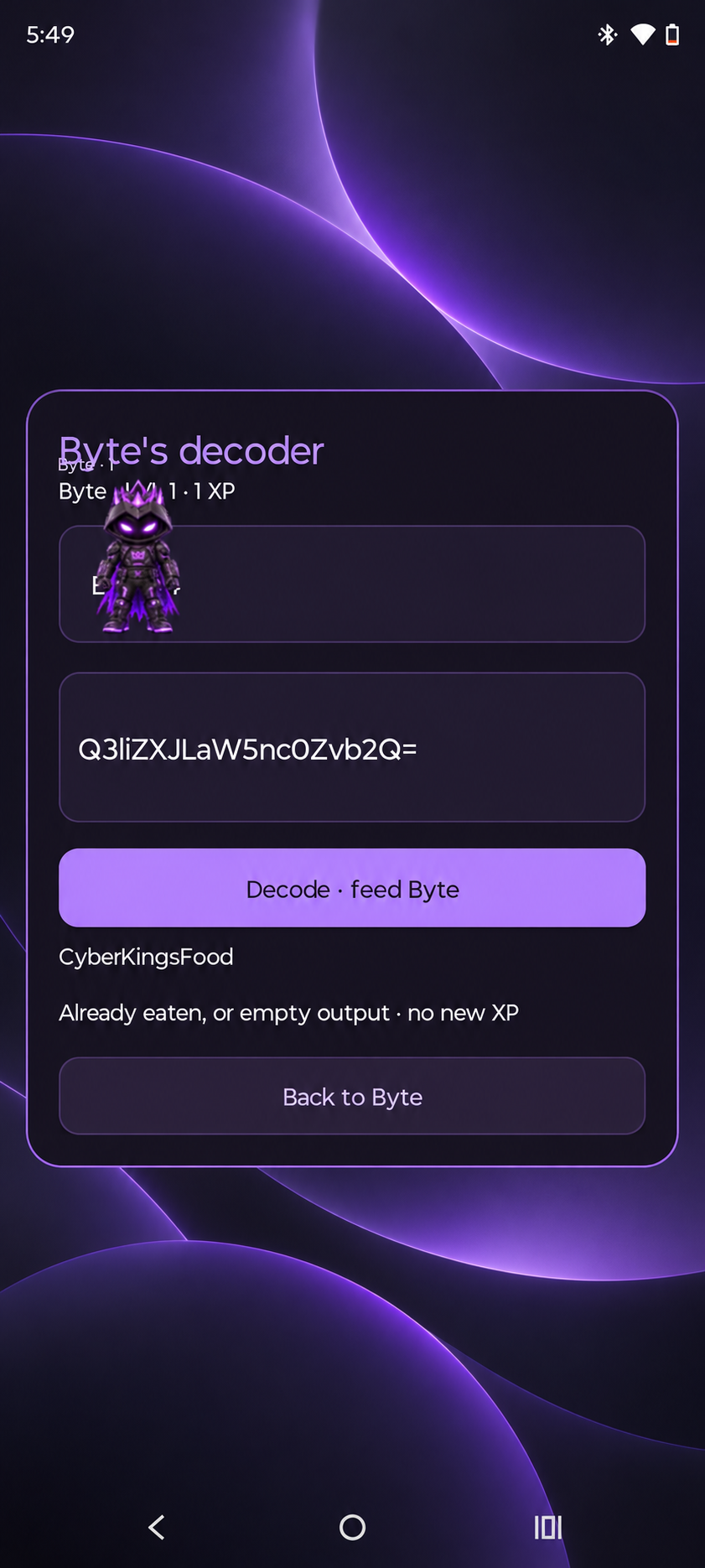
Paste. Decode. Feed.
Paste your sample and tap “Decode · feed Byte.” New decoded output earns XP; a repeat doesn’t earn it again.
03
Back to Byte.
Return to the companion. Two taps pause or resume; three taps close Byte.